Managing Account Information
The Account Information page lets you review your account name, mailing address, and plan, and (where enabled) clone the account. To open the page you must be a user with the Administrator role.
To open the Account Information page:
- Sign in to Studio.
- Open Admin and then click Account Information.
The page shows the General Information and Plan sections for the current account.
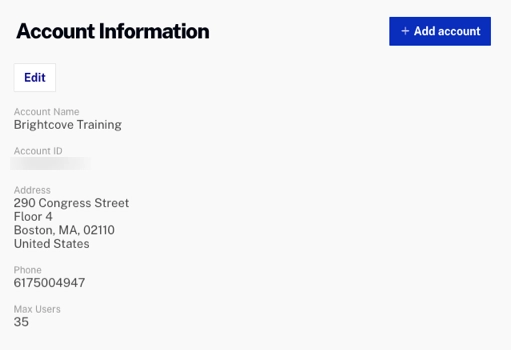
To update your account details, click Edit next to General Information.
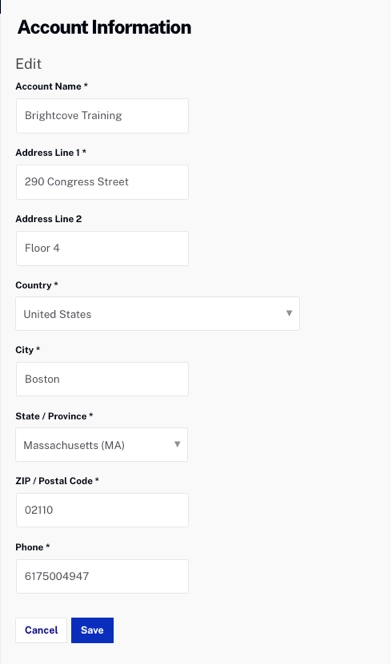
Edit the Account Name, Phone, and Address fields, then click Save. The Account ID is assigned automatically and cannot be edited.
Account cloning
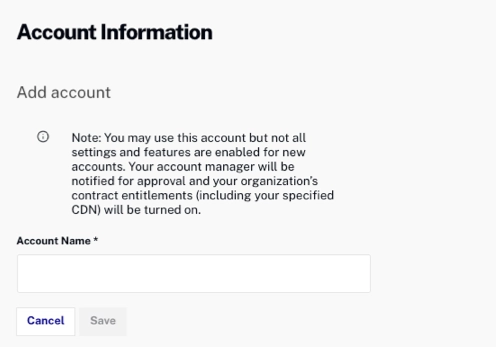
If your account is enabled for account cloning, an Add account button appears at the top right of the Account Information page. The account cloning feature can be used to create new accounts. When a new account is created, Brightcove Support is notified and works with your Customer Success Manager to verify the new account based on your contract. Once verified, the account is configured with the features outlined in your contract. When the configuration is complete, you are notified. While the configuration is in progress, new users can be added to the account.
To clone the account, click Add account, enter an Account Name, and then click Save.